
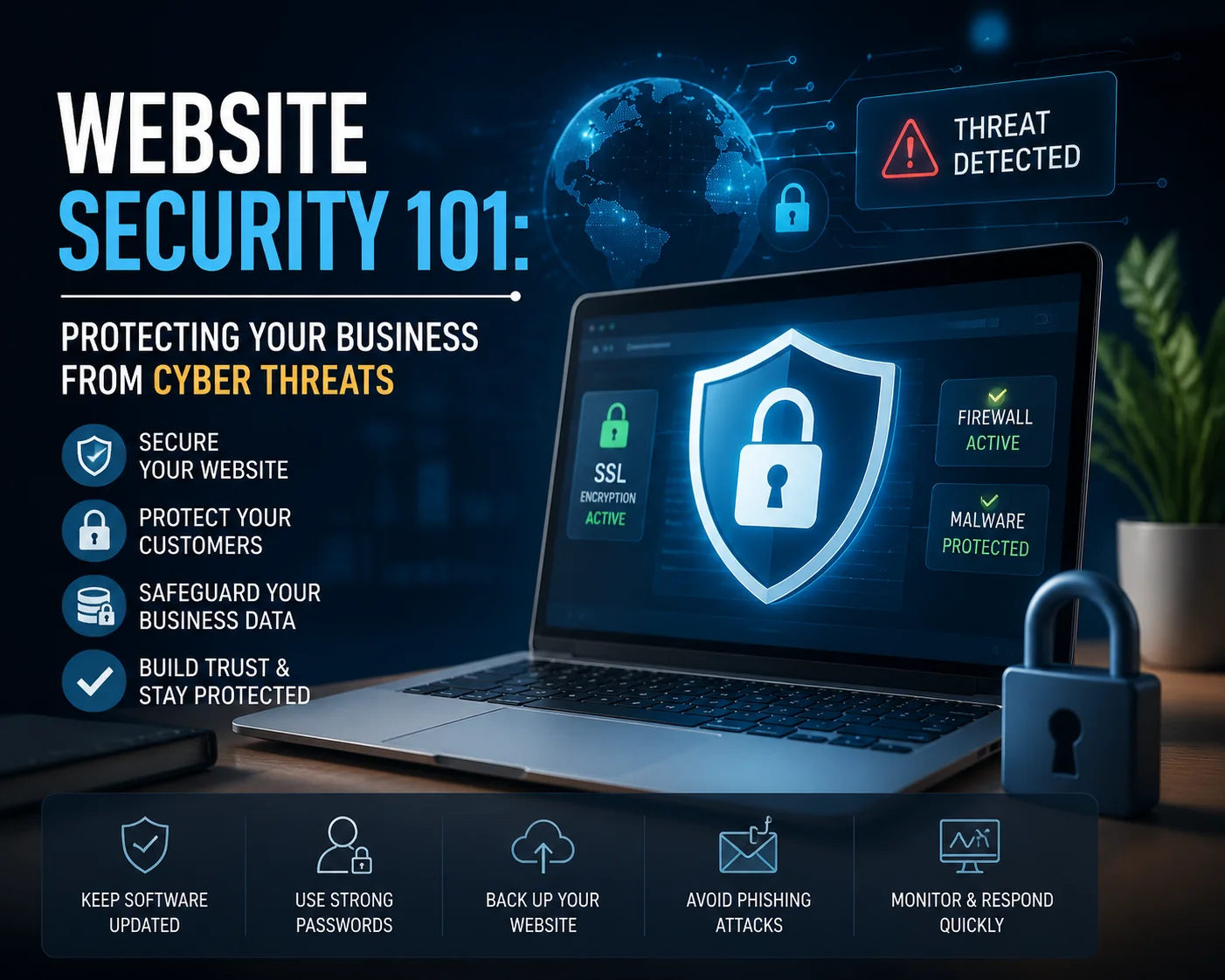
Website Security 101: Protecting Your Business From Cyber Threats
A business website is more than a collection of pages. It may receive customer enquiries, store account information, process payments, connect to internal systems, collect personal data, or support daily business operations. That makes website security a business responsibility rather than something only developers need to think about.
Cyber threats do not only affect large banks, technology companies, or government organizations. Small and medium-sized businesses also use websites, cloud services, email accounts, payment systems, plugins, and third-party software that can become targets. An attacker does not need to know your company personally. Automated systems can scan large numbers of websites looking for weak passwords, outdated software, exposed services, or known vulnerabilities.
Good security does not mean promising that a website can never be attacked. No realistic system can provide that guarantee. It means reducing avoidable risk, detecting problems early, limiting the damage if something does happen, and having a recovery plan. Effective website security therefore combines software updates, secure access, HTTPS, backups, monitoring, hosting, employee awareness, and sensible development practices.
This guide explains the main risks business owners should understand and the practical steps that can make a website more difficult to compromise.
What Does Website Security Actually Mean?
Website protection involves several layers.
The website application itself needs secure code and properly configured software. The server and hosting environment need protection. Administrator accounts need strong authentication. Customer data needs appropriate safeguards. Backups need to exist somewhere useful. Third-party plugins and services need to be managed. Suspicious activity needs to be noticed.
The latest OWASP Top 10:2025 provides a useful overview of major web application risks. Its current categories include broken access control, security misconfiguration, software supply-chain failures, cryptographic failures, injection, insecure design, authentication failures, software or data integrity failures, logging and alerting failures, and mishandling of exceptional conditions.
For a business owner, those names may sound highly technical. The practical message is simpler: website security is not one product that can be installed and forgotten. Several different weaknesses can expose a site, and protection works best when those weaknesses are managed together.
1. Use HTTPS Across the Entire Website
One of the most basic requirements is HTTPS.
HTTPS encrypts communication between a user’s browser and the website using TLS. Without that encryption, information sent over ordinary HTTP can potentially be read if someone is able to intercept the connection.
Cloudflare’s guide to HTTPS explains that HTTPS protects information transmitted between browsers and websites and is particularly important when users send sensitive information such as login credentials or account data.
This matters even if the website does not process credit cards.
A normal contact form may contain a customer’s name, email address, telephone number, company details, and confidential message. Login forms contain credentials. Customer portals may contain business documents or private account information.
HTTPS should therefore be a standard part of website security, not something reserved for banks and online shops.
Most modern hosting platforms make TLS certificates relatively easy to configure. The important part is ensuring the whole website uses HTTPS correctly rather than protecting only one payment page.
Also monitor certificate renewal. An expired or misconfigured certificate can trigger browser warnings and damage customer confidence.
It is worth understanding the terminology too. People still commonly say “SSL certificate,” but modern secure web connections use TLS. Cloudflare’s SSL and TLS explanation notes that SSL is the older predecessor to TLS even though the term SSL is still widely used commercially.
2. Keep Software Updated
Websites often depend on multiple layers of software.
There may be a content management system, theme, plugins, server software, libraries, frameworks, database software, APIs, and third-party packages.
Each component can receive updates.
Some updates add features. Others repair bugs or close known security weaknesses.
Leaving vulnerable software online after a security update has become available can create unnecessary risk. Attackers may actively scan for systems running known vulnerable versions.
That makes patching one of the most practical areas of website security.
NIST’s Cybersecurity Basics recommends that businesses update and patch software when new versions become available as part of basic cyber-risk management.
For WordPress specifically, the official WordPress Security guidance emphasizes keeping WordPress core, themes, and plugins current and using components that continue to receive updates.
Do not keep a plugin simply because the site used it several years ago.
If a plugin, theme, or integration is no longer required, removing it can reduce the number of components that need maintenance.
Important updates should also be tested carefully.
Maintain backups before major changes. For business-critical websites, consider using a staging environment to test updates before they reach customers.
Security updates are necessary, but careless updates can still create compatibility problems.
3. Use Strong Authentication for Administrator Accounts
A website can have excellent technical controls and still be compromised if an attacker gains access to an administrator account.
Weak passwords remain an avoidable risk.
Do not use obvious credentials such as:
admin123
companyname2026
password1
or one password reused across email, hosting, WordPress, and other business accounts.
Password reuse is especially dangerous because a password exposed through an unrelated service can then be tested against other accounts.
NIST’s current password guidance recommends strengthening account protection and highlights multifactor authentication as an important additional safeguard.
Good website security should include strong, unique credentials and a trusted password manager where appropriate.
Do not share one administrator username between an entire team either.
Create individual accounts.
If five employees all use the same login, it becomes difficult to know who changed something, and the password may continue circulating long after one employee leaves.
Individual accounts make access easier to control and activity easier to trace.
4. Enable Multi-Factor Authentication
Passwords should not be the only protection around important administrative accounts.
Multi-factor authentication requires another form of verification in addition to the password.
The second factor may be an authentication application, security key, biometric method, or another approved mechanism.
NIST’s MFA guidance explains that MFA provides an additional barrier when a password has been compromised. It also notes that phishing-resistant authentication methods provide stronger protection than some traditional one-time-code methods.
This makes MFA one of the most useful improvements to website security for business owners.
Start with accounts that can cause the most damage if compromised:
- Website administrator accounts
- Hosting accounts
- Domain registrar accounts
- Cloud infrastructure
- Company email
- Payment systems
- Developer repositories
- Database administration
- Backup services
CISA similarly recommends MFA for business systems, particularly privileged and administrative access, and advises organizations to use stronger phishing-resistant options where possible. CISA’s MFA guidance provides practical recommendations for small and medium-sized businesses.
A password stolen through phishing is far less useful to an attacker when another strong factor is still required.
5. Limit Access According to Job Requirements
Not every employee needs administrator permissions.
Someone who publishes blog posts may only need an editor account.
A customer-service employee may need access to customer enquiries but not server settings.
A marketing agency may need analytics access without access to the website database.
Developers may need temporary elevated permissions during particular tasks.
This principle is usually described as least privilege: people and systems receive only the access necessary to perform their work.
It is a simple but important part of website security.
Excessive permissions increase the potential damage from mistakes and compromised accounts.
Access also needs to change when roles change.
If an employee leaves the business, their website, hosting, email, analytics, cloud, CRM, and other accounts should be reviewed promptly.
The same applies to external suppliers.
Businesses often discover administrator accounts belonging to agencies or freelancers who stopped working with the company several years earlier.
Review user accounts periodically.
Remove what is no longer needed.
6. Keep Reliable, Separate Backups
Security is not only about preventing an incident.
It is also about recovery.
A website can be damaged by malware, a bad update, accidental deletion, database corruption, compromised credentials, hosting failure, or human error.
A reliable backup can significantly reduce the impact.
NIST’s cybersecurity basics recommend regularly backing up business data and protecting and testing those backups.
Backups should therefore be a normal part of website security.
But do not stop at “our hosting company says backups are enabled.”
Ask:
How frequently do they run?
Where are they stored?
How many historical versions exist?
Are website files and databases included?
Can the backup be restored quickly?
Has anyone tested restoration?
Would an attacker who compromises the website also be able to delete every backup?
For transactional websites, backup frequency matters.
A monthly backup may be acceptable for a static company site that rarely changes. It may be completely inadequate for an online store processing orders every hour.
WordPress’s official Hardening WordPress guide also emphasizes backups and recommends maintaining regular snapshots that can assist recovery after a compromise.
A backup is valuable only if it can actually be used.
7. Protect Against Malicious Web Traffic
Public websites are designed to accept requests from the internet.
Unfortunately, not every request is from a genuine customer.
Automated bots can scan login pages, search for vulnerable software, attempt password attacks, scrape content, abuse forms, or send malicious requests.
A web application firewall, commonly called a WAF, can help filter suspicious traffic before it reaches the application.
It is not a complete security solution.
It is another layer.
Cloud-based security platforms can also provide rate limiting, bot controls, DDoS protection, and other traffic-management functions depending on the service.
In a layered website security strategy, the goal is not to depend entirely on one firewall. It is to reduce the number of malicious requests that reach vulnerable or sensitive parts of the application.
For WordPress installations, the official hardening documentation discusses both server-level and intermediary firewall approaches and stresses that security works through multiple controls rather than one “ultimate” fix.
8. Secure Forms, APIs, and User Input
Whenever a website accepts information from users, that information needs to be handled carefully.
Examples include:
- Contact forms
- Search boxes
- Login forms
- File uploads
- Checkout fields
- Comments
- Booking forms
- API requests
Developers should not simply trust data because it came through the website interface.
Input needs appropriate validation and handling.
Injection remains one of the categories in the current OWASP Top 10, along with access-control, authentication, cryptographic, and configuration risks.
Strong website security therefore needs secure development practices, not only plugins installed after the website has been built.
File uploads deserve particular attention.
If customers can upload documents, images, resumes, or other files, the application should restrict allowed types and sizes and store them appropriately.
APIs should also require suitable authentication and authorization.
An API should not expose customer records simply because somebody discovers its address.
Security needs to be considered when functionality is designed, not only after development is finished.
9. Monitor the Website Instead of Waiting for Customers to Report Problems
A security problem can exist for days or weeks before it becomes obvious.
Customers may not immediately notice that a hidden page has been modified or that a suspicious administrator account exists.
This is why monitoring and logging matter.
The 2025 OWASP Top 10 specifically includes Security Logging and Alerting Failures among its major web application risk categories.
Effective website security should make unusual activity easier to investigate.
Depending on the system, useful monitoring may include:
- Failed login attempts
- Administrator logins
- User account changes
- File modifications
- Server errors
- Unusual API activity
- Large traffic spikes
- Changes to important configuration
- Uptime
- Security alerts
CISA’s small and medium-sized business cybersecurity resources also identify logging, backups, software updates, MFA, encryption, and phishing awareness as important areas businesses should address.
Monitoring is most useful when somebody is responsible for responding to it.
A dashboard nobody checks provides limited protection.
10. Choose Hosting With Security in Mind
Hosting is part of the security environment.
The provider controls important infrastructure below the website application, while the customer is normally responsible for other layers.
Shared hosting, VPS environments, and cloud platforms can all be operated securely when properly managed. The important question is where the provider’s responsibility ends and where yours begins.
WordPress’s own security documentation specifically advises website owners to understand the security relationship with their hosting provider.
When evaluating hosting for website security, ask:
Does the provider keep server software updated?
Is HTTPS supported and managed?
Are backups included?
Is malware monitoring available?
How are customer accounts isolated?
What DDoS protections exist?
How quickly are security incidents handled?
Is the service managed or unmanaged?
Does the provider monitor uptime?
KM Software Services currently offers shared, VPS, and cloud hosting and states that its maintenance services can include security hardening, backups, bug fixes, and uptime monitoring.
Businesses considering hosting alongside development can review KM Software Services Web Development.
11. Secure WordPress Properly
WordPress powers many business websites, but installing WordPress alone does not complete the security work.
The official Hardening WordPress guide recommends measures including keeping WordPress updated, using trusted plugins and themes, protecting administrator access, maintaining backups, monitoring the installation, and limiting unnecessary exposure.
WordPress website security becomes harder when a site contains dozens of unnecessary plugins from different vendors.
Each plugin becomes another dependency.
Before installing one, ask whether the feature is actually needed.
Use trusted sources.
Prefer actively maintained software.
Delete abandoned components.
Update plugins and themes as part of routine maintenance.
Also remember that a security plugin cannot correct every possible problem.
If the hosting environment is insecure, passwords are shared, backups do not work, and administrators install untrusted code, one plugin cannot make the whole system safe.
KMSS provides WordPress Development and Maintenance for businesses that need ongoing updates, backups, maintenance, and performance support.
12. E-Commerce Websites Need Extra Attention
Online stores introduce additional responsibilities because transactions and customer accounts may be involved.
Security concerns can include:
- Payment integrations
- Customer login accounts
- Personal details
- Addresses
- Order history
- Discounts and coupon logic
- Third-party extensions
- Inventory APIs
- Checkout scripts
- Administrator permissions
A serious website security plan for e-commerce should consider the complete transaction environment.
Using a reputable payment gateway is important, but it does not secure the whole website automatically.
The checkout page, administrator accounts, integrations, plugins, server, APIs, and customer database still need protection.
Businesses should also avoid storing sensitive information simply because it may be useful later.
If information is not genuinely needed, collecting and storing it creates additional responsibility.
Security and privacy often improve when unnecessary data is removed from the process.
13. Train the People Who Manage the Website
Many attacks target people rather than software.
An administrator may receive a convincing email saying the domain is about to expire.
A fake hosting notification may ask someone to log in.
An employee may be sent a message that appears to come from a developer.
Someone may download a “premium plugin” from an unofficial website.
Technical controls can reduce risk, but employees still need enough awareness to recognize suspicious requests.
NIST describes phishing as a common method used to obtain credentials and other sensitive information, and its small-business resources emphasize MFA, password practices, software updates, backups, and employee awareness.
Human awareness therefore belongs inside website security planning.
Staff who manage digital systems should know:
Who normally requests password changes?
How can an urgent technical message be verified?
Where should software be downloaded from?
Who should be contacted after a suspicious login?
Should passwords ever be sent through ordinary chat?
A short security procedure can prevent confusion during a high-pressure moment.
14. Have an Incident Response Plan Before You Need One
Suppose the homepage suddenly redirects visitors to another website.
What happens next?
Who contacts the developer?
Who takes the site offline if necessary?
Who contacts the hosting provider?
Who checks customer data?
Who restores a clean backup?
Who changes passwords?
Who decides whether customers need to be notified?
Who communicates publicly?
Trying to answer all of those questions during an active incident wastes valuable time.
A mature website security process includes a basic incident response plan.
NIST’s Cybersecurity Framework 2.0 resources for small businesses organize cybersecurity around functions including Govern, Identify, Protect, Detect, Respond, and Recover.
That framework reflects an important point: protection is only one part of cybersecurity.
Businesses also need to identify important systems, detect problems, respond effectively, and recover.
Keep essential contact information somewhere accessible even if the website itself becomes unavailable.
Know who controls the domain, hosting, backups, cloud accounts, and application source code.
Preparation reduces panic.
A Practical Website Security Checklist
Business owners do not need to personally perform every technical task, but somebody should be responsible for each important area.
Area | What to Check |
HTTPS | Whole website uses valid HTTPS/TLS |
Software | CMS, themes, plugins, libraries, and server software are maintained |
Passwords | Strong, unique credentials are used |
MFA | Enabled for administrator and other sensitive accounts |
User access | Old users removed and permissions limited |
Backups | Automated, protected, and periodically tested |
Hosting | Provider responsibilities and security controls understood |
Monitoring | Uptime, logins, changes, and security events monitored |
Forms/APIs | Input properly validated and sensitive endpoints protected |
Plugins | Unused and unsupported components removed |
Recovery | Incident plan and recovery contacts documented |
Staff awareness | Employees understand phishing and credential risks |
This checklist does not replace a professional technical review, but it provides a useful starting point for evaluating website security.
Common Website Security Mistakes
One common mistake is thinking HTTPS means the entire site is secure.
HTTPS protects data in transit. It does not repair vulnerable plugins, weak administrator passwords, or insecure application code.
Another mistake is relying on one security plugin.
Security works through layers.
Businesses also keep old administrator accounts long after employees and contractors have left.
Some never test backups.
Others install plugins from untrusted sources because a paid theme or feature is available for free somewhere else.
Another mistake is ignoring software updates for months because the website still appears to work.
The absence of a visible problem does not prove that a vulnerability does not exist.
Security through neglect is not a strategy.
How Often Should Security Be Reviewed?
Different controls operate at different frequencies.
Uptime and critical security alerts can be monitored continuously.
Backups may run daily or more frequently on changing websites.
Software updates should be reviewed regularly and security fixes should not be unnecessarily delayed.
User access may be reviewed monthly or quarterly depending on the organization.
A wider security review can be scheduled after major development changes and at regular intervals.
The important point is consistency.
NIST describes cybersecurity as a continuous process because technologies, business systems, regulations, and threats continue to change.
The same principle applies to website security.
A site that was properly secured when it launched three years ago still needs attention today.
Final Thoughts
Cybersecurity can feel intimidating because the subject contains technical terms, new vulnerabilities, and constantly changing threats.
The fundamentals are much easier to understand.
Keep software current.
Use HTTPS.
Protect administrator accounts with strong authentication.
Limit permissions.
Maintain reliable backups.
Use trusted hosting.
Secure forms and APIs.
Monitor important activity.
Remove unused software.
Train staff to recognize suspicious requests.
Prepare for recovery before an incident happens.
Strong website security does not depend on finding one perfect security product. It depends on reducing unnecessary risk across several layers and maintaining those controls over time.
A website is part of the business infrastructure. If customers use it to contact you, make payments, access accounts, submit information, or interact with your company, protecting it deserves the same attention as other important business systems.
Need Help Securing and Maintaining Your Website?
If your business needs development, hosting, ongoing support, or website security improvements, KM Software Services provides custom web solutions together with maintenance and technical support. KMSS states that its ongoing maintenance can include security hardening, backups, bug fixes, uptime monitoring, and performance work, while its Web Development Services cover custom and WordPress-based websites, back-end development, CMS solutions, and e-commerce development.
Useful Website Security Resources
- OWASP Top 10:2025 — a widely used overview of major current web application security risks.
- NIST Small Business Cybersecurity Corner — practical cybersecurity guidance for small and medium-sized organizations.
- NIST Cybersecurity Framework 2.0 for Small Business — a structured approach to governing, identifying, protecting, detecting, responding to, and recovering from cyber risks.
- CISA Small and Medium-Sized Business Resources — guidance covering MFA, software updates, backups, encryption, logging, and phishing.
- Cloudflare: What Is HTTPS? — a clear explanation of HTTPS, TLS, and encrypted web communication.
- WordPress Hardening Guide — official guidance on WordPress access, updates, plugins, backups, monitoring, and server security.
- KM Software Services Web Development — custom web, WordPress, CMS, back-end, and e-commerce development.
- KM Software Services WordPress Development — WordPress development and ongoing maintenance support.
- KM Software Services Blogs — more practical resources covering websites, software, maintenance, UI/UX, and digital technology.